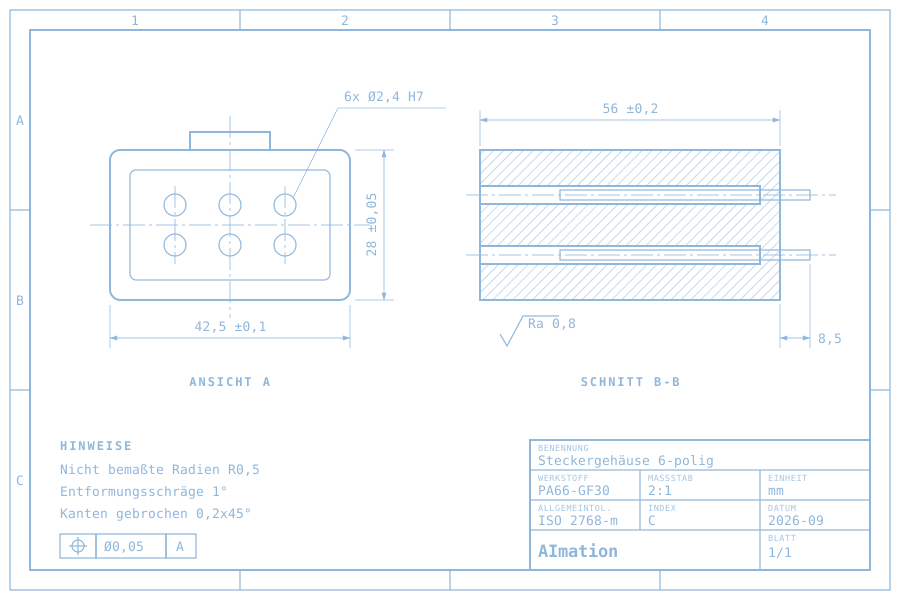
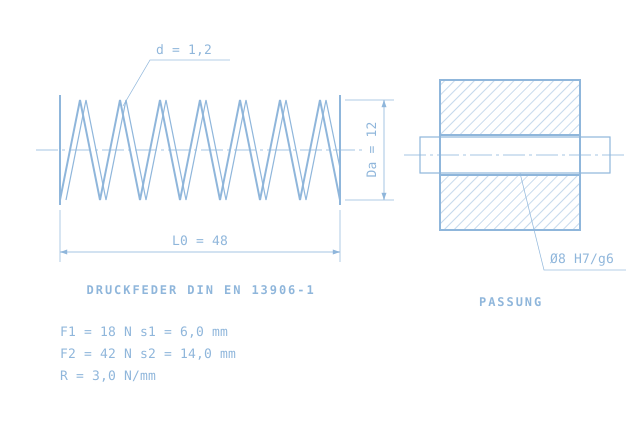
Create a CAD assembly from a drawing with AI.
AI2CAD · 1:30 · German video with audio · AImation / Holger Peschke
Assembly design · Standalone example
Part 8 is a standalone assembly design example. The individual components are already modelled and checked when the demonstrated assembly task begins. The 90-second film summarises preparation, drawing analysis, assembly and the inspection report.
What the video demonstrates
An assembly drawing is the starting point. The individual components were previously modelled with AI using the drawing dimensions and checked. The agent reads the drawing, proposes bill of materials SL-0002 with 15 positions and 31 parts, and waits for confirmation. It then assembles the parts in CAD. A section view and an exploded view show the result.
- Match the prepared components to the drawing’s 15 positions
- Confirm the bill of materials and assemble 31 parts step by step in CAD
- Check quantities, spatial relationships and intersections in the model
The report shown in the video marks 7 of 8 checks as passed. Three bolted connections remain open for visual inspection because the system does not measure those relationships. These model checks do not replace engineering approval of the design.