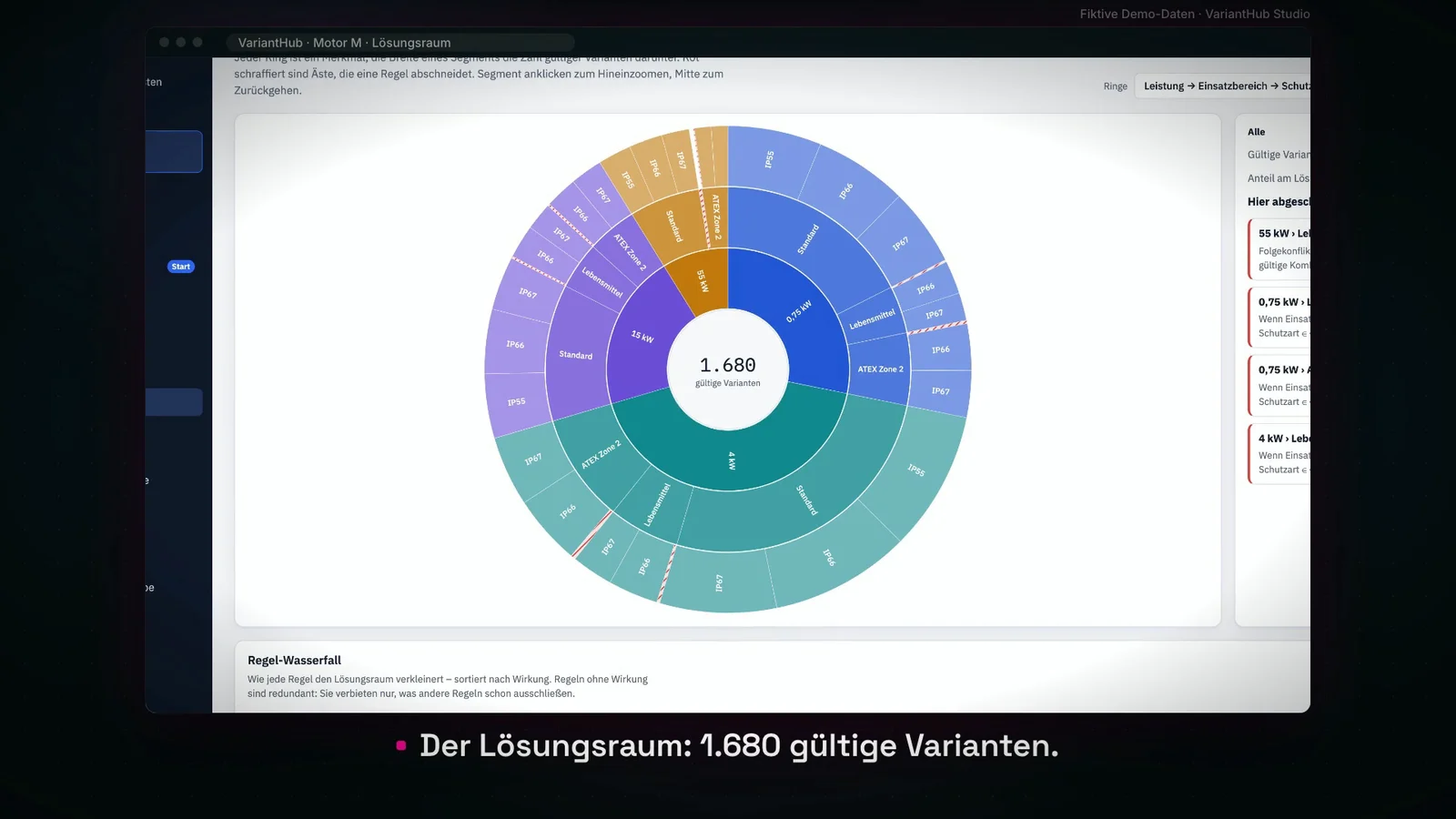
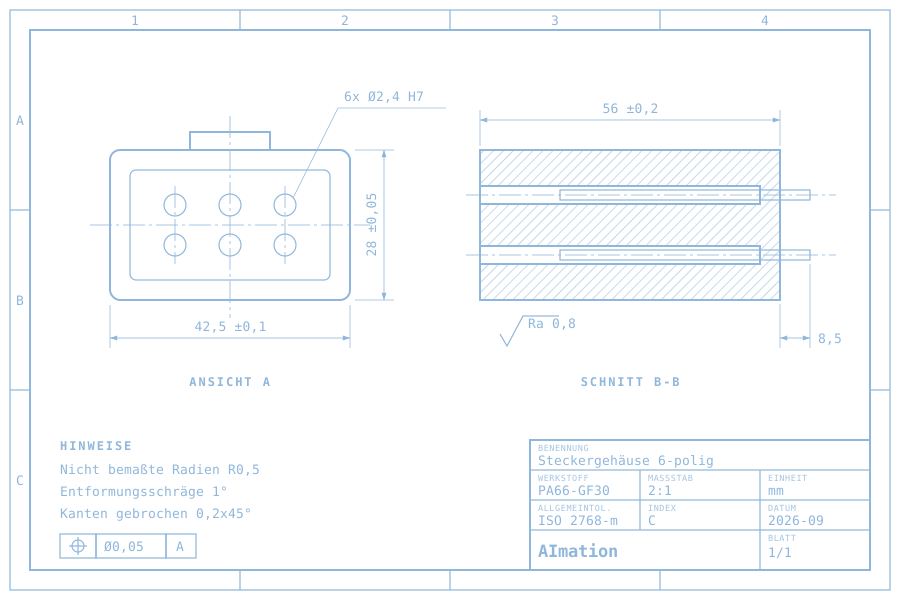
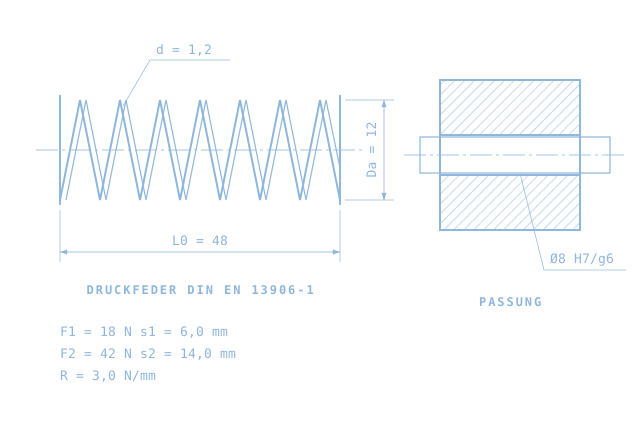
We adapt VariantHub to your product families, features and technical rules. These define your valid solution space: see which variants are possible and what a rule change affects. We agree the scope around your specific use case.
VariantHubWorking prototypeBuilt with AI · deterministic rule engine
For your working day
Rules within reach. Changes with context.
A new protection class, another power rating, an exception for a customer. Every addition increases the checking effort. A list alone cannot explain which features belong together. That takes explicit rules.
Original recording / German
See the workflow for yourself.
See an Excel list become a solution space you can check.
An AI-built prototype using demo data. The core checks deterministic rules. AI rule suggestions, ERP/PLM connections, roles and versioning are planned extensions.
From input to decision
What the workflow involves.
Import features
Load an Excel variant list. Check features, values and missing entries before applying rules.
Define rules
Describe valid combinations and exclusions. The core applies deterministic rules, not probabilistic judgements.
Explore the solution space
See which selections remain possible in the configurator. Exclusions retain their explanation and the type code stays traceable.
Assess the change
Check which combinations a rule change adds or removes before approval. A domain expert makes the decision.
AI, rules and data history
Where AI helps. What follows fixed rules.
AI supported the development of VariantHub. Variant checks themselves follow fixed rules. AI suggestions for new rules are a planned extension, subject to expert approval. For your implementation, we plan database connections and rule versioning to trace changes, their timing, owner and effect on the solution space. These connections and histories are not yet implemented in the demonstrated prototype.
Evaluation plan / results not yet measured
The same task. Both workflows under review.
One product family, the same list version and a defined rule change. Known valid and invalid combinations form the test set.
Check a variant
Current workflow
Find the combination in the list and check exclusion rules individually.
With VariantHub
Select features and review the explained exclusions in the configurator.
What we measure
Handling time including review; missed and incorrectly flagged rule violations.
Change a rule
Current workflow
Identify affected variants in Excel and reassess them.
With VariantHub
Compare the change preview with the expected solution space.
What we measure
Time to a checked change; correctly identified affected variants.
Engineering or product management confirms the expected results. One-off import and rule setup are recorded separately from recurring review effort.
For a first test
What we need from your workflow.
A scoped product family with defined features and value ranges.
Existing exclusion rules and known valid and invalid example combinations.
A named owner for rules, exceptions and technical approval.
Before we start
Questions worth asking.
Is VariantHub an AI configurator?
It is a prototype developed with AI. The demonstrated variant checks use fixed technical rules. AI rule suggestions are a planned extension and would need expert review.
Does this replace our PLM or ERP?
No. The video shows a scoped variant-checking workflow. Imports, exports and connections to existing systems are defined separately for a pilot.
Can we start with an Excel list?
Yes, a suitable Excel variant list can be a starting point. Its structure, features and known rules first need a joint review.
Your next step
Bring one case to the free initial call.
Bring an anonymised variant list and a typical rule change to the conversation. We identify missing features and rules for a first comparison.